Claude-guided LG webOS change reportedly erased a rooted TV setup
A Decrypt writer says Claude recommended LG Developer Mode to install a launcher, after which key apps disappeared and root access was not restored.
By Theo Nakamura · Staff Writer
· 3 min read
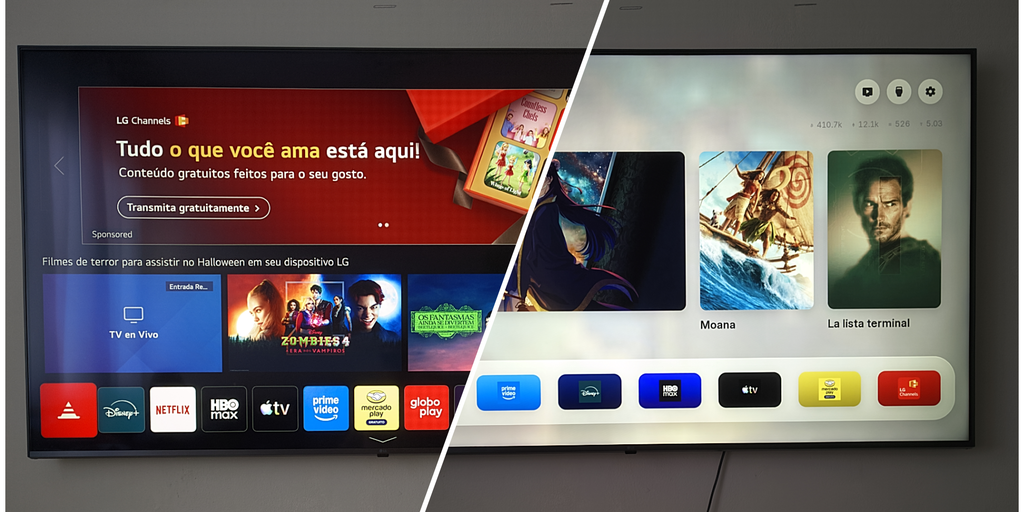
A Claude LG webOS Developer Mode experiment left one TV owner without a previously rooted setup after an AI-guided attempt to install a replacement launcher. The account, published by Decrypt, is a reminder that an app-installation workflow can still conflict with software already running on a device, especially when an AI assistant is directing the steps.
According to the first-person report, the writer wanted to install Free My TV, an open-source replacement launcher for LG webOS. Claude reviewed the installation code and identified that the television had a prior rooted configuration, including Homebrew Channel and an ad-free YouTube app, the writer said.
The writer said Claude then recommended turning on LG's Developer Mode so it could connect to the TV through the developer SSH service and install the launcher. After the TV rebooted, Homebrew Channel and the YouTube app were gone, along with the working rooted setup, according to Decrypt.
The report attributes that outcome to Developer Mode re-provisioning a particular partition on that TV. That explanation, and the reported loss of root access, have not been independently confirmed in the supplied evidence as behavior that applies to other LG sets or webOS versions.
What does LG webOS Developer Mode do?
LG describes Developer Mode as a tool for installing, debugging and testing webOS TV apps on a television. Its official instructions say users must sign in with an LG Developer account, turn the mode on through the Developer Mode app, and then allow the TV to reboot. A computer on the same network can then connect using the documented developer settings, including SSH port 9922.
Developer Mode is also temporary. LG says the session has a limited duration, and apps used in Developer Mode are uninstalled when the mode is disabled or the session expires. Those documented app-lifecycle rules are distinct from the Decrypt writer's account of losing a separately rooted configuration. Readers considering the mode can review LG's Developer Mode documentation before making changes.
Decrypt said Claude later restored Homebrew Channel and the ad-free YouTube app after checking the television's app list. The writer reported that root access did not return, saying the exploit previously used on the set had been patched in a newer firmware version. The report also said Claude later declined to pursue some re-rooting research under its safety restrictions.
Why are people using AI to change smart TVs?
The case comes amid a broader push by some owners to use AI assistants to alter smart-TV software. TechCrunch reported that developers and hobbyists have used AI-assisted projects to remove sponsored ads, change home screens, speed up launchers and reduce tracking features. It cited projects aimed at Android TV and Google TV as examples.
For a consumer, the practical lesson is narrower than the broader trend: AI can help follow an official development path, but it may not recognize every nonstandard configuration already on a device. In this case, Decrypt's writer said Claude saw signs of the existing setup but did not pause to ask about it before recommending the reboot.
The television was not reported as physically damaged or unusable. But the account shows why owners should understand a device's documented reboot and app-removal behavior, and preserve information about existing software, before approving AI-suggested changes.
This story draws on original reporting from Decrypt.